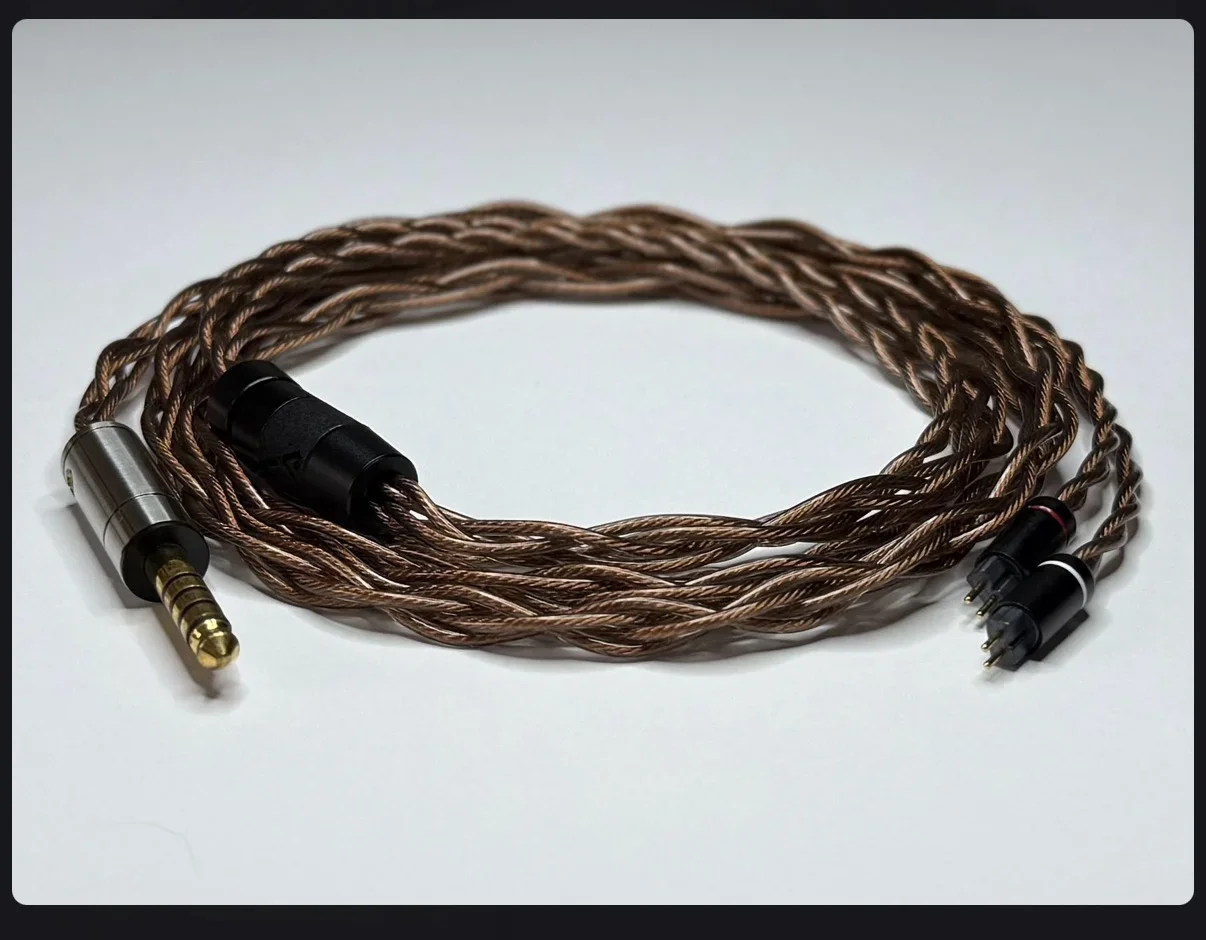
Pending Product Image/Icon

gordieg

Customer
Suggest improving the imagine quality on icons, resolution seems very low.
  • Consider including an option to use a specific image as a cover photo, utilising all of the available image space on the product cards and above the product overview.
  • Image gallery location options - gallery tab view and within or below the overview for example.
 
Upvote 0
If I have found the setting you're suggesting, it only allows for adjustment of icon size, which does help with one aspect but not with image resolution.

1764581442589.webp
 
Then I don’t understand what you’re asking, sorry. If you use a 250x250 source image on upload, it won’t change the resolution of the image.
 
The images just don't seem clear for some reason.

It's strange as I don't get this issue when using the Articles Mangement System addon with a similar grid view layout.

I'll try experimenting with source image quality, see if that makes a difference.
 
OK I think it's more to do with aspect ratio and scaling.

Using 248x185 seems to have helped and I expect some improvements could be made with the source images.

EDIT - I think the product card images would be better if they had a minimum height of 260px though, 185px is a bit on the small side for scaling.
 
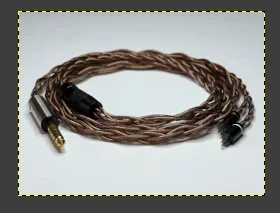
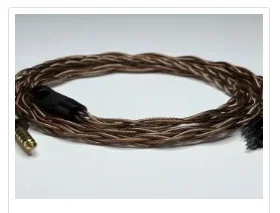
So here's a thing, left image was scaled to 247 x 185 using GIMP, right image is same source image after being set to 247 x 185 in the icon settings.
But there's definitely something funky going on becasue for some reason NOW, when I use the source image it's fine 🤷‍♂️


Screenshot 2025-12-01 at 10.53.38.webp Screenshot 2025-12-01 at 10.53.22.webp
 
I have no idea why that would be happening to you, since the image does not get resized when it’s at or below the restrictions in the AdminCP.
 
I’m not sure either but it seems to have stopped doing it now.

Even though, I feel there’s improvements that could be made to the icon.

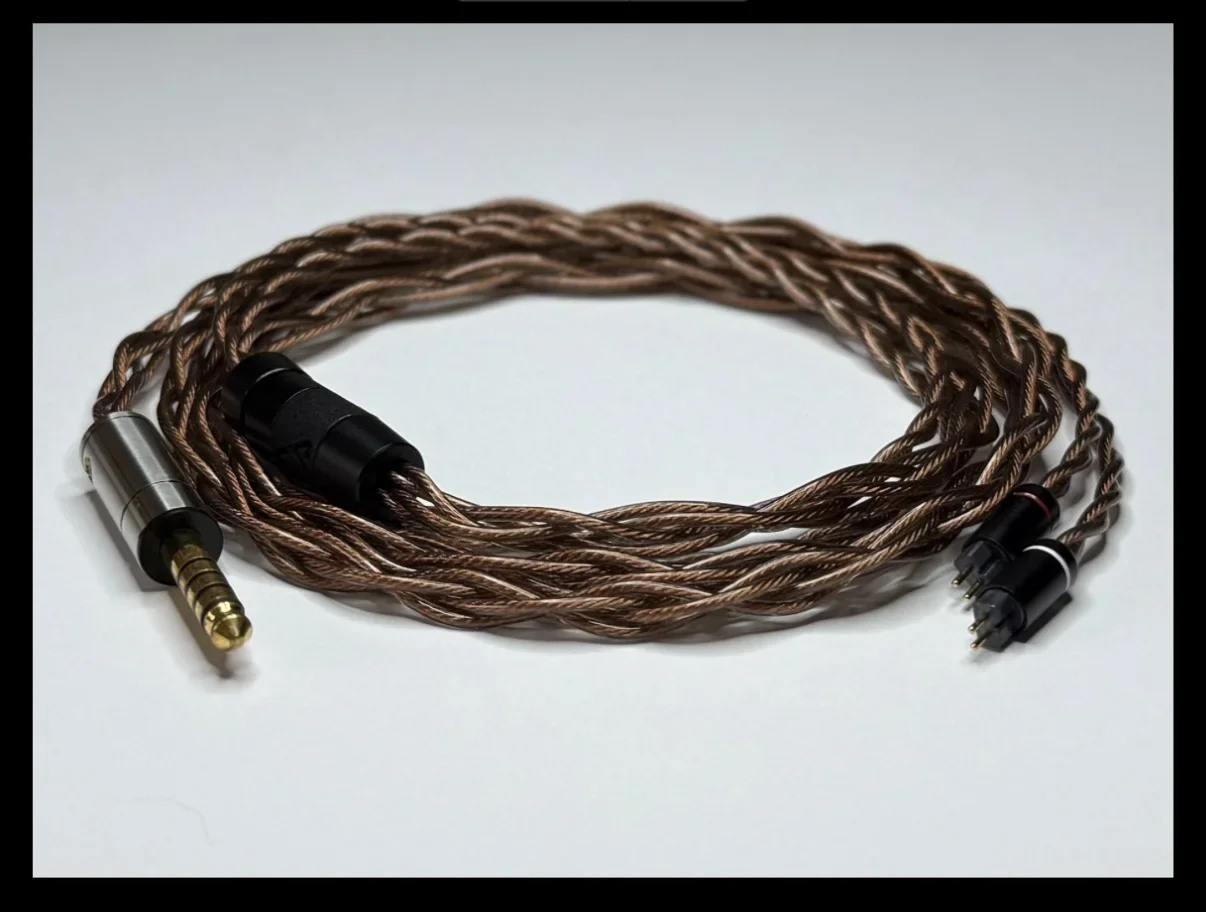
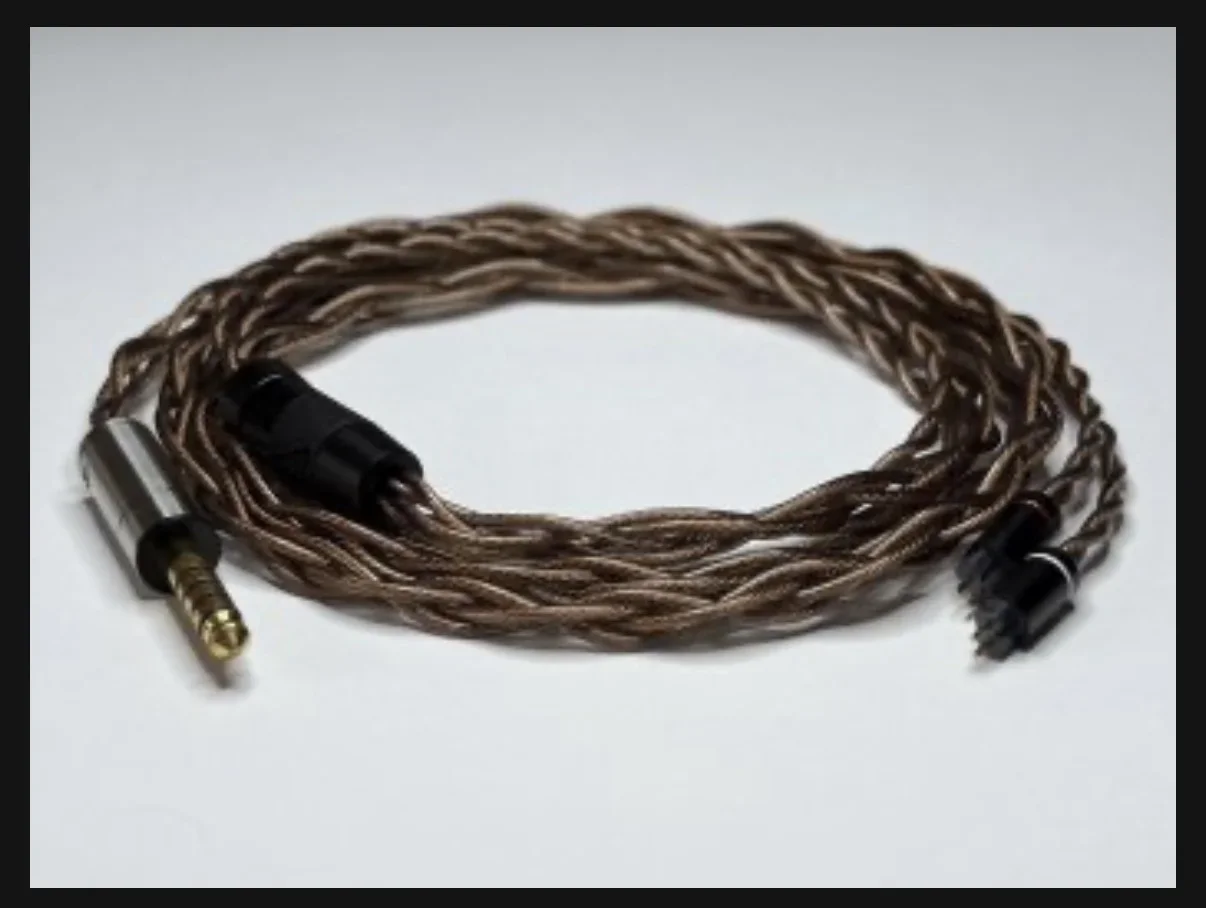
The images below are screenshots taken from my phone of the same source image at the full width of my screen.

Articles addon cover photo, as displayed viewing article.
IMG_1823.webp

Icon image as displayed viewing product. Product icon dimensions set to 382x287 in settings to fit width of phone screen.
IMG_1824.webp

The source icon image that’s attached to the product and opened on mobile.
IMG_1825.webp
Sorry to keep going on about this but something is not right with the icons implementation or perhaps I’m just missing something here.
 
Last edited:

Similar threads

  • thread_type.dbtech_ecommerce_suggestion thread_type.dbtech_ecommerce_suggestion
Replies
1
Views
46
  • thread_type.dbtech_ecommerce_suggestion thread_type.dbtech_ecommerce_suggestion
Replies
6
Views
304
  • thread_type.dbtech_ecommerce_suggestion thread_type.dbtech_ecommerce_suggestion
Replies
1
Views
156
  • Locked
  • thread_type.dbtech_ecommerce_suggestion thread_type.dbtech_ecommerce_suggestion
Replies
2
Views
154
  • thread_type.dbtech_ecommerce_suggestion thread_type.dbtech_ecommerce_suggestion
Replies
1
Views
212

DragonByte eCommerce

XenForo 2.0.6+ XenForo 2.1.x XenForo 2.2.x XenForo 2.3.x
Seller
DragonByte Technologies
Release date
Last update
Total downloads
3,153
Customer rating
4.86 star(s) 7 ratings
Back
Top